
Protect Agent Privacy Without Losing Operational Visibility
Give remote agents the privacy and transparency they deserve while giving supervisors the visibility they need. CollaborationRoom.ai does not record agent video or screens, and agents can see who can see them, helping build trust without sacrificing support, security, or compliance.
Trusted by 90+ contact centers
- PCI DSS Level 2 Certified
- SOC 2 Type 2 Certified
- No PII Collection
- Month-to-Month Contracts
- Browser-Based — No Installs
How It Works
Built Around How Your Remote Contact Center Runs Every Day
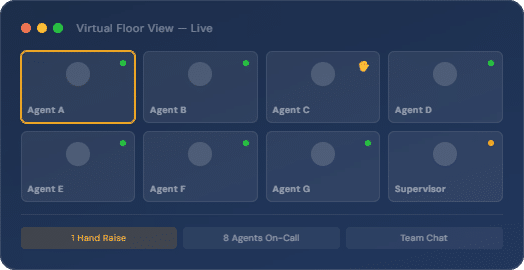
Your team works inside a shared virtual floor where supervisors stay connected, step in when needed, and keep work moving without storing sensitive data.
Stay Close to Every Conversation
Get a clear view of ongoing work without interrupting agents or collecting unnecessary data.
Step In When It Matters
Join interactions instantly to guide agents during live calls using a secure virtual meeting platform.
Catch Issues Early
Spot gaps in performance as they happen and act before they affect outcomes.
Maintain a Strong Team Presence
Create a sense of connection across remote teams without relying on invasive monitoring.
Keep Everything in One Place
Bring calls, chats, and supervision together through a secure remote communication software built for contact centers.
Support Ongoing Coaching
Give feedback in real time with a video meeting software with data protection that keeps every interaction secure.
Protect Every Interaction Without Limiting Your Team
Privacy is not a separate layer. It’s built into how your team works. These tools help you stay visible, responsive, and in control of your remote contact center setting without exposing sensitive information.
Keep your agents’ and clients’ information secure by working on a no personally identifiable information (PII) software.
Cameras switch off during breaks, so agents stay visible only during active work hours.
Use a secure video background feature to keep personal surroundings out of view during calls.
Feature Highlight
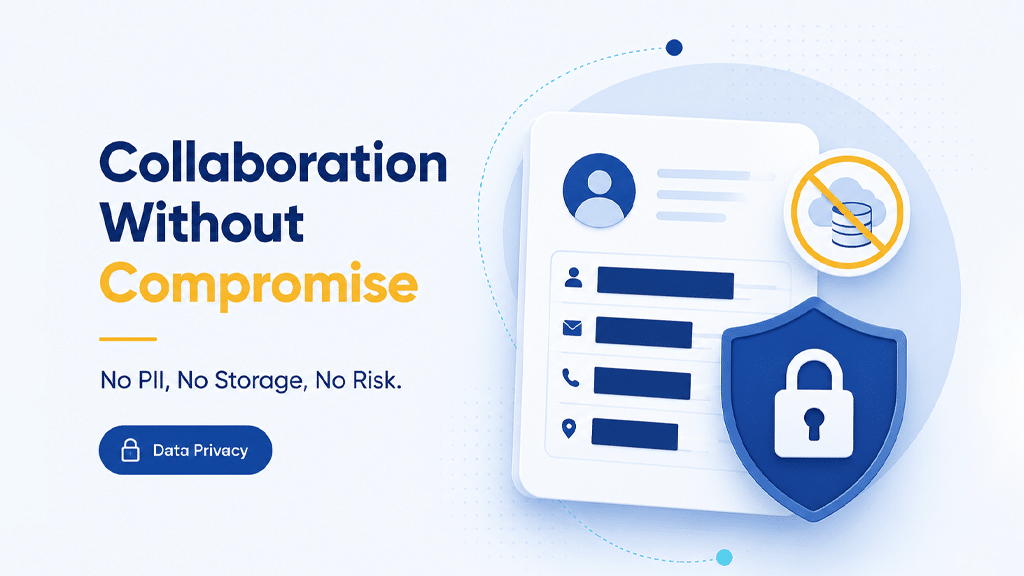
Work Without Storing Personal Data
Operate on a secure video conferencing software with no data tracking, where sensitive information stays out of the system. This privacy-focused video meeting platform allows virtual contact center teams to collaborate freely while reducing compliance risk and protecting both client and agent data.
- No storage of personally identifiable information
- Lower risk across client interactions
- Built for privacy-first operations
Feature Highlight
Keep Cameras On Only When Work Is Active
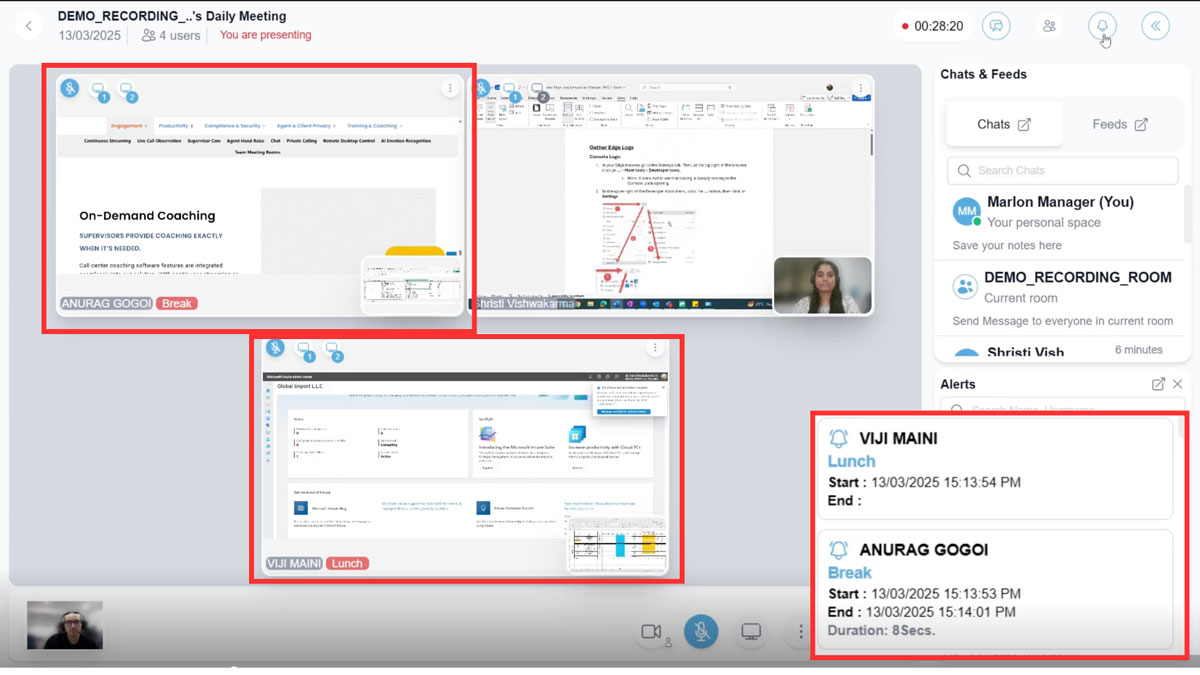
Maintain visibility during work hours while respecting personal time. With automatic camera control inside a secure remote communication software, agents stay visible when needed and off-camera during breaks.
- Cameras turn off during inactive periods
- Prevent unintentional exposure
- Balance visibility with privacy
Feature Highlight
Protect Personal Spaces During Every Call
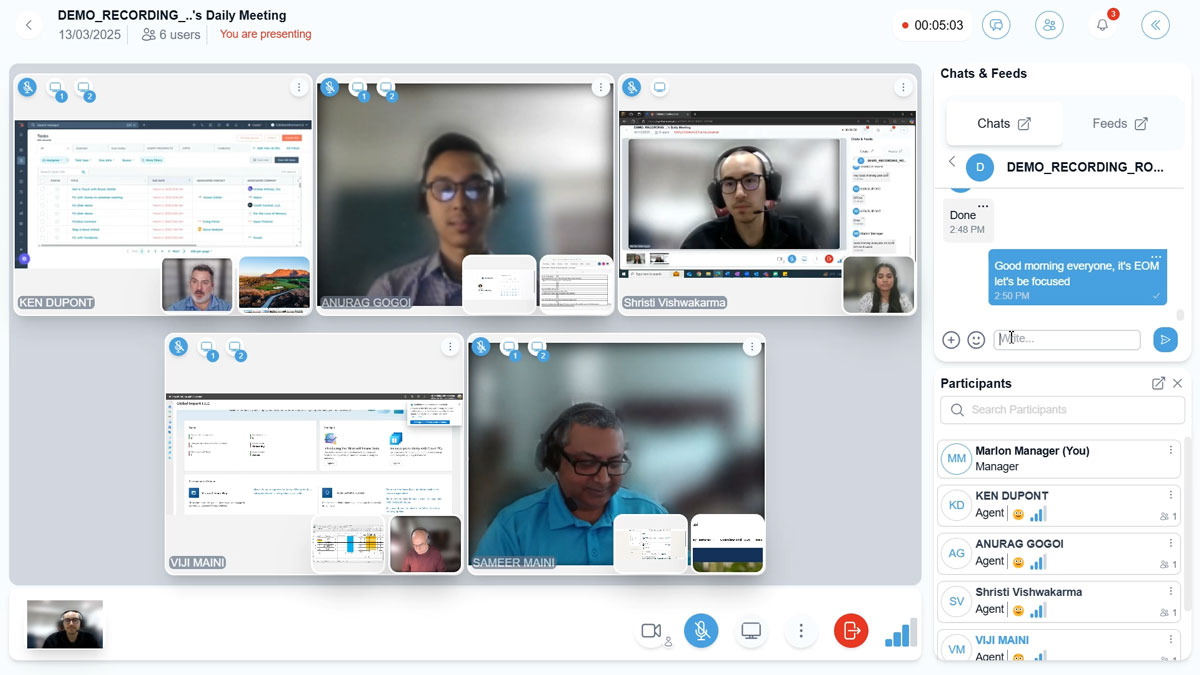
Give your team the option to hide their surroundings using a virtual background video conferencing software. The built-in secure video background feature keeps attention on the conversation while maintaining personal privacy.
- Hide backgrounds in real time
- Maintain a consistent on-screen presence
- Support focused, secure interactions
Questions & Answers
FAQs
No. It does not store or track personally identifiable information from calls or screens. Work happens live, and nothing is saved after the interaction ends. This helps reduce compliance risk for teams handling sensitive data.
Standard tools are built for meetings. This works as a live contact center floor where supervisors can stay connected, support agents, and step into interactions without switching tools. It brings communication and supervision together in one place.
Yes. It works without recording or storing conversations, so sensitive information is not retained. This makes it suitable for teams looking for secure video conferencing software without data tracking.
Cameras turn off automatically when agents are inactive or on a break. In a virtual contact center setup, this keeps visibility limited to active work hours and avoids accidental exposure.
Yes. Agents can mask their surroundings during calls using built-in controls. This works as a secure video background feature that keeps personal spaces out of view.
No. Calls, chat, and supervision happen in one place, so teams do not need separate tools. It works as a secure remote communication software for managing daily contact center operations.
Get Started
Keep the virtual floor connected.
See how CollaborationRoom.ai delivers the engagement infrastructure your remote contact center team needs — with a proof of concept up and running in days.
